PDF vs JPG vs PNG: which one should you use?
People send the same page as a PDF, a JPG or a PNG without thinking about it. Then the file is too big, the text is blurry, or the recipient cannot open it.
This guide explains what each format is good at, and shows what happened to the size of the same eight-page report in each of them.
The short answer
- PDF: documents. Text stays text, it prints well and can be searched.
- JPG: photos and anything you want small. Some detail is lost to save space.
- PNG: screenshots, logos and drawings with sharp edges. Larger, but no blur.
The same document in three formats
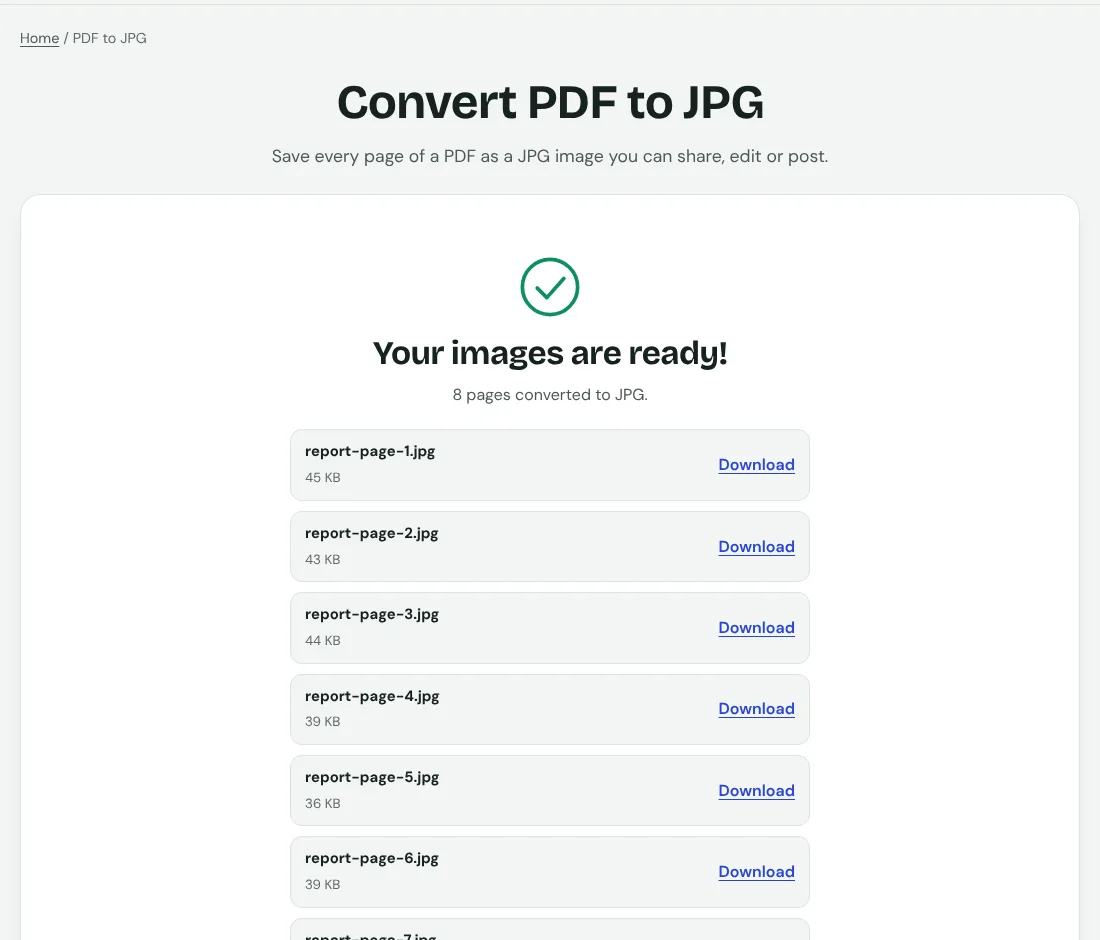
Eight pages of text and tables in a typed report: as a PDF, the file was 8.6 KB. Converted with PDF to JPG at the Normal setting, the eight pages were about 325 KB in total. At High quality, about 811 KB. The text is the same, but as images it takes 38 to 94 times the space.
For three phone-style receipt images saved as PNG, each was 3.53 MB, 11.1 MB for three. These are the heavy files that make email bounce. A JPG version of the same photo is usually a fraction of that.
When to pick a PDF
- Contracts, forms, invoices, reports, anything someone may print or search.
- Anything with several pages that must stay together in order.
- Anything you want to protect with a password or add page numbers to.
When to pick a JPG
- Photos, where tiny loss of detail is invisible.
- Posting on social media, chat apps and websites that take images.
- One page that needs to be small, for example a preview. Convert only that page, and remember that you can no longer select the text.
When to pick a PNG
- Screenshots of an app or a web page, where text edges should stay sharp.
- Logos, icons and diagrams with flat colours.
- Anything you will edit again and again, because PNG does not lose quality when saved.
Converting between them
- Photos or screenshots to a document: JPG to PDF. PNG, WebP, GIF and BMP files are accepted as well.
- A PDF page to a picture: PDF to JPG.
- A picture of text to selectable text: make a PDF first, then run OCR.
Each conversion between formats can change the file size by a lot, so check the size afterwards. If it is too big, compress it.
A rule you can remember
If a person will read it, print it or search it, use a PDF. If a screen will show it as a picture, use a JPG. If it has sharp lines and text inside a picture, use a PNG.