Free PDF tools that run in your browser, no sign-up or subscription
Sites like iLovePDF and Smallpdf are popular for good reason. They are fast, polished, and cover a long list of tasks. If one of them already does what you need, there is no urgent reason to switch.
This page is for the other case: you would rather not make an account, you do not want a private document travelling to someone else's server, or you keep hitting a free-plan limit. Get PDF Online is an independent site, not connected to any of those services, and it is built around that one idea. Here is where it helps and where it does not.
What is different here
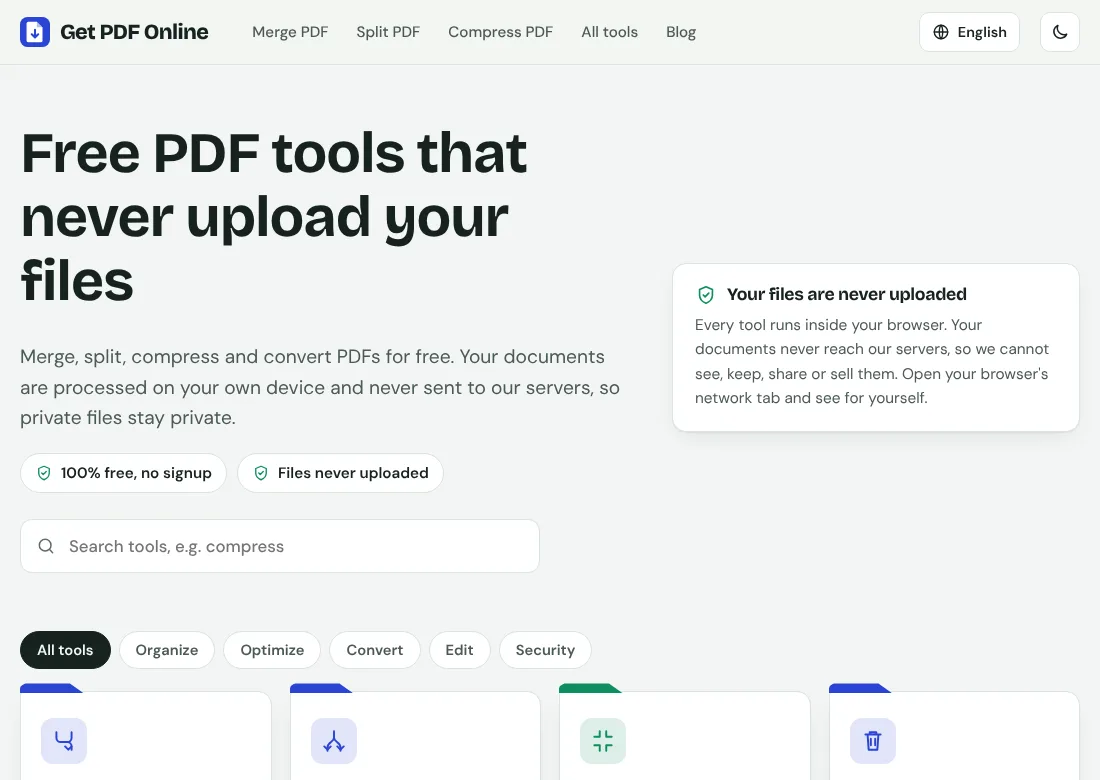
- The tools run in your browser. Your file is read by your own device and is not uploaded.
- No account and no subscription. Open a page and use it.
- You can check the privacy claim yourself. Load a tool, turn your internet off, and run it. If it still works, the file never needed to travel.
What it can do today
- Merge, split, compress, rotate and remove pages.
- JPG to PDF and PDF to JPG.
- Page numbers, watermark, password protection and OCR.
- The interface comes in nine languages.
Where the big services are simply better
- Converting between PDF and Word, Excel or PowerPoint. That needs a server, and this site does not offer it.
- Editing the text inside a PDF, signing, form creation and similar heavier features.
- Very large files. Everything here runs in your browser's memory, so a file of several hundred megabytes may be slow or fail on a phone.
- Desktop and phone apps, and syncing with cloud storage.
Being honest about this matters more than selling you something.
A small difference worth knowing about compression
The strongest compression levels here turn pages into images, which is what makes scans shrink so much but also means the text can no longer be selected. A keep-the-text option (Lossless) exists, though it saves less. Other services handle this trade-off in their own ways, so test with your own file before you rely on any of them.
How it works under the hood
The tools are built on open-source libraries that run in the browser, mainly pdf-lib for editing PDFs and Mozilla's PDF.js for displaying pages. Because they are open source, anyone can read how they handle a file.
How the site pays for itself
Hosting costs money, so the site shows ads from Google AdSense. The tools are free, and the ads never get access to your files.
So which should you use?
- Private document, or you do not want another account: a browser-based tool is a good fit.
- Word conversion, editing or very large files: use a full cloud service, and read where it processes your file.
- Not sure: try the same small file in both and compare the result and the effort.